

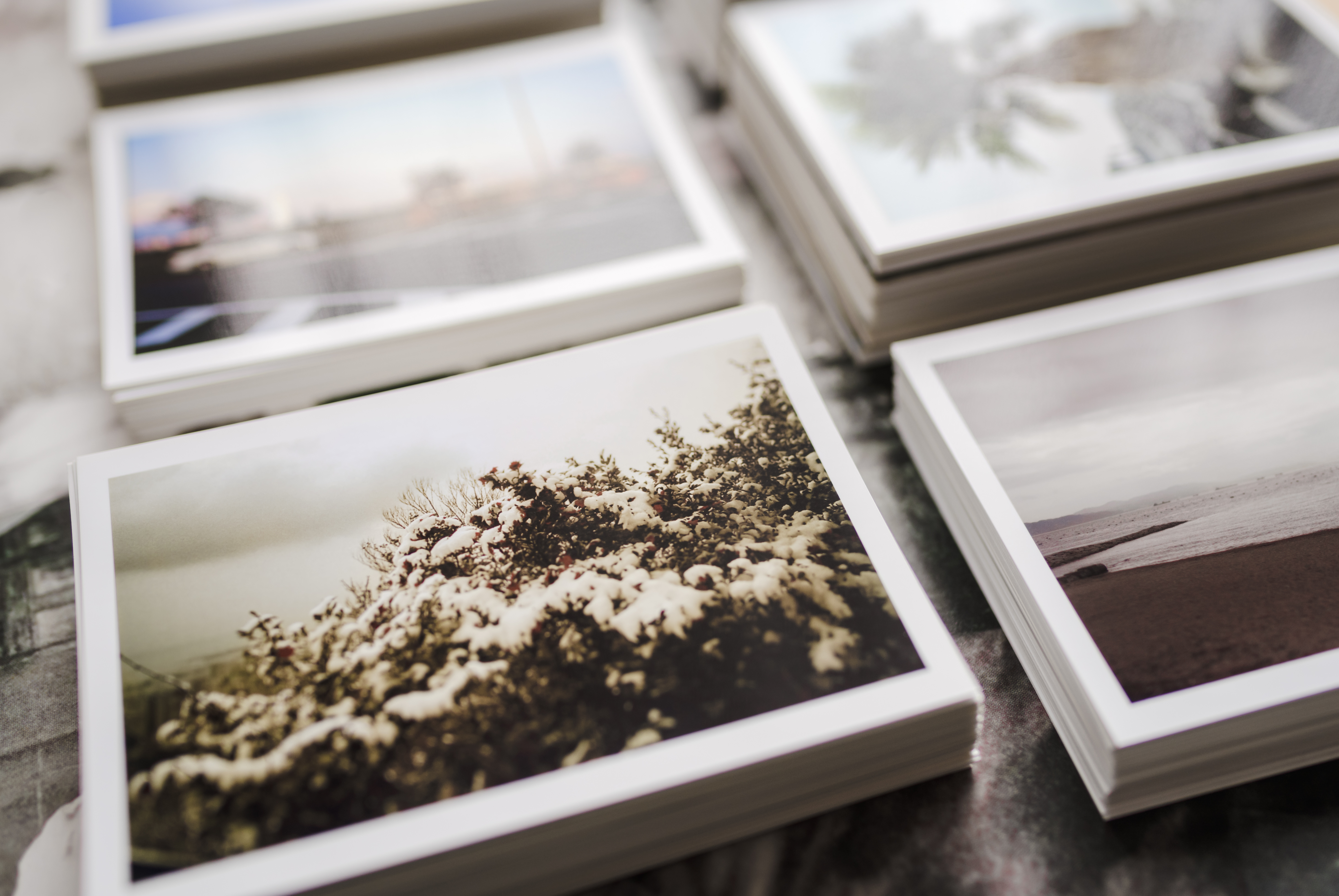

Keep Your Digital Family Photographs Safe
How A Professional Photographer Recommends Backing Up Digital Photographs
I have been a professional photographer for over 16 years and this is how I personally backup and keep my client’s and my personal family photographs safe.
1. When I’m shooting a session on my camera I have 2 SD cards that will save every images I take into two separate locations.
2. When I get to my office I will upload the images to my Mac Computer. Mac computers are great because they can run an automatic system backup with the Time Machine feature several times a day each day. So it will backup my entire computer to a separate external hard drive.
3. Once edited I will upload the clients images to an online photo gallery where I will share the images via their viewing and ordering consult.
4. Then when they purchase their digital images the client will be able to download the high resolution images to their own computer.
5. From there, I strongly suggest that my clients find a 2nd or 3rd option for backing up their images.
Keep reading for my recommended on the best locations to save your photos below…

Where to Back Up Your Photos
1. EXTERNAL HARD DRIVE
While not the most cost effective, this is certainly one of the safest options as they’re ultra-durable with a ton of space to use. You can store these in a fire safe.
2. CLOUD STORAGE
This option provides a ton of varieties, from your phone to your computer. And protects from fires & damaged hard drives. A few of my favorite cloud service options are Google Drive, Google Photos, & Amazon Photos.
3. USB THUMB DRIVES
This option is the easiest to share, physically store, and transport your priceless photos. Again, I recommend storing these in a fire safe.

Your photographs are an investment of your memories. If you need help finding a suitable storage solution, don’t be afraid to reach out and ask!
If you’re interested in organizing and storing your printed photographs check out my other blog post, Organizing & Scanning Family Photographs.
Xoxo, Ashley
I recently had a client from a few years ago reach out to me to see if I could re-share their old family photo session. Fortunately, after some digging I was able to locate the files, but sometimes we don’t get so lucky. In today’s blog, I’m sharing how to keep your family photographs safe so you never have to worry about losing those precious memories.
For the sake of space and cost of storage, sometimes we need to routinely delete photos from our computer. I recommend saving all your photos in at least two locations at all times.

How A Professional Photographer Recommends Backing Up Digital Photographs
I have been a professional photographer for over 16 years and this is how I personally backup and keep my client’s and my personal family photographs safe.
1. When I’m shooting a session on my camera I have 2 SD cards that will save every images I take into two separate locations.
2. When I get to my office I will upload the images to my Mac Computer. Mac computers are great because they can run an automatic system backup with the Time Machine feature several times a day each day. So it will backup my entire computer to a separate external hard drive.
3. Once edited I will upload the clients images to an online photo gallery where I will share the images via their viewing and ordering consult.
4. Then when they purchase their digital images the client will be able to download the high resolution images to their own computer.
5. From there, I strongly suggest that my clients find a 2nd or 3rd option for backing up their images.
Keep reading for my recommended on the best locations to save your photos below…
Where to Back Up Your Photos
1. EXTERNAL HARD DRIVE
While not the most cost effective, this is certainly one of the safest options as they’re ultra-durable with a ton of space to use. You can store these in a fire safe.
2. CLOUD STORAGE
This option provides a ton of varieties, from your phone to your computer. And protects from fires & damaged hard drives. A few of my favorite cloud service options are Google Drive, Google Photos, & Amazon Photos.
3. USB THUMB DRIVES
This option is the easiest to share, physically store, and transport your priceless photos. Again, I recommend storing these in a fire safe.
Your photographs are an investment of your memories. If you need help finding a suitable storage solution, don’t be afraid to reach out and ask!
If you’re interested in organizing and storing your printed photographs check out my other blog post, Organizing & Scanning Family Photographs.
Xoxo, Ashley